



















No Contacts, No Sales Rep

Billboard Ads Easy As Booking An Uber

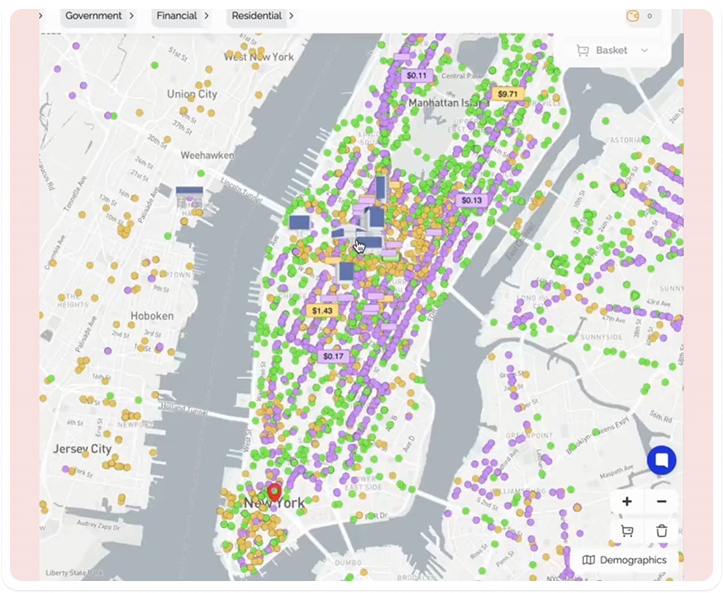
Zoom into any city and pick the exact billboards you want — or let Blinky, our AI media planner, build your custom campaign in seconds. Two ways to plan. Same screens. Zero friction.

Over 25,000 advertisers trust Blindspot

Universal logo
United Nations logo displayed in monochrome format
Unilever logo
Stylized Snoop Dogg logo used in digital out-of-home campaign visuals
Logo
Logo
Logo
Rihanna logo
Samsung logo
Pepsi logo
Procter & Gamble logo
MSCHF logo
Morning Brew logo
Lords Mobile logo
G2A logo
Duolingo logo
Carrefour logo
Alicia Keys logo
Adore Me logo
Acquia logo
Bitdefender company logo displayed in grayscale format
Agora company logo displayed in monochrome format
Cal.com logo displayed in minimalist monochrome style
Intuit company logo displayed in grayscale
Helli brand logo displayed in grayscale format
Pro TV company logo displayed in minimalist monochrome style
Orange telecom brand logo displayed in monochrome
Rho brand logo variation displayed in monochrome style
Rho brand logo displayed in grayscale format

No Contacts, No Sales Rep

Billboard Ads Easy As Booking An Uber

Over 25,000 advertisers trust Blindspot

Universal logo
United Nations logo displayed in monochrome format
Unilever logo
Stylized Snoop Dogg logo used in digital out-of-home campaign visuals
Logo
Logo
Logo
Rihanna logo
Samsung logo
Pepsi logo
Procter & Gamble logo
MSCHF logo
Morning Brew logo
Lords Mobile logo
G2A logo
Duolingo logo
Carrefour logo
Alicia Keys logo
Adore Me logo
Acquia logo
Bitdefender company logo displayed in grayscale format
Agora company logo displayed in monochrome format
Cal.com logo displayed in minimalist monochrome style
Intuit company logo displayed in grayscale
Helli brand logo displayed in grayscale format
Pro TV company logo displayed in minimalist monochrome style
Orange telecom brand logo displayed in monochrome
Rho brand logo variation displayed in monochrome style
Rho brand logo displayed in grayscale format

What is Blindspot

Blindspot is the fastest way to run hyper-efficient billboard Campaigns

Go live without spreadsheets, gatekeepers, or weeks of back-and-forth emails. You can plan two ways:

Hyperlocal

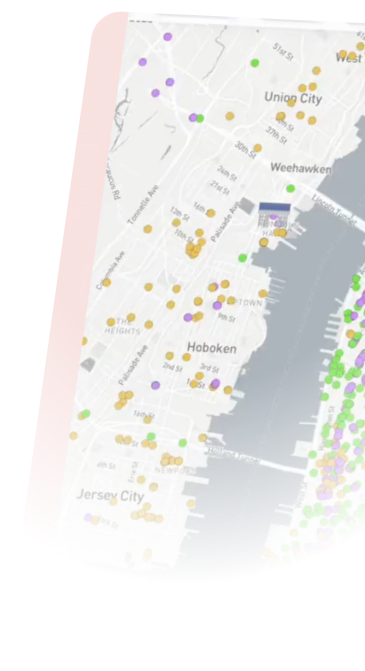
Start on the map, pick your own screens, hours, and budget.

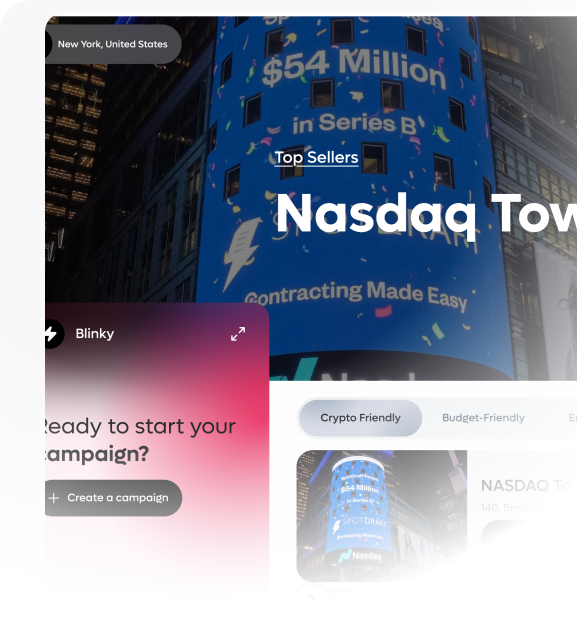
Blinky AI

Just with a few click from the pre-build component.
How it Works

null
Step 1
Choose how you want to plan
 Pick Hyperlocal if you want to build manually on a map.
 Pick Blinky if you want AI to plan the Campaigns for you.
null
Step 2
Set where, when, and how much
Run by the hour — not by the month. Target commute, lunch, or event hours.
 In Hyperlocal, you click exact screens; in Blinky, AI selects and schedules them based on your goals.
null
Step 3
Add creative and go live
 Upload your creative, set contextual rules (weather, traffic, events), and launch.
Blindspot handle approvals, delivery, and reporting.

Meet Blinky AI Mode

Your AI Media Planner for the real world

Blinky isn’t a chatbot. It’s an agentic AI that actually builds media plans.
 You give it your goal, budget, cities, dates, and key locations (stores, events, POIs) — it reasons over millions of screens and real-world signals like traffic, weather, and footfall to design the optimal plan.
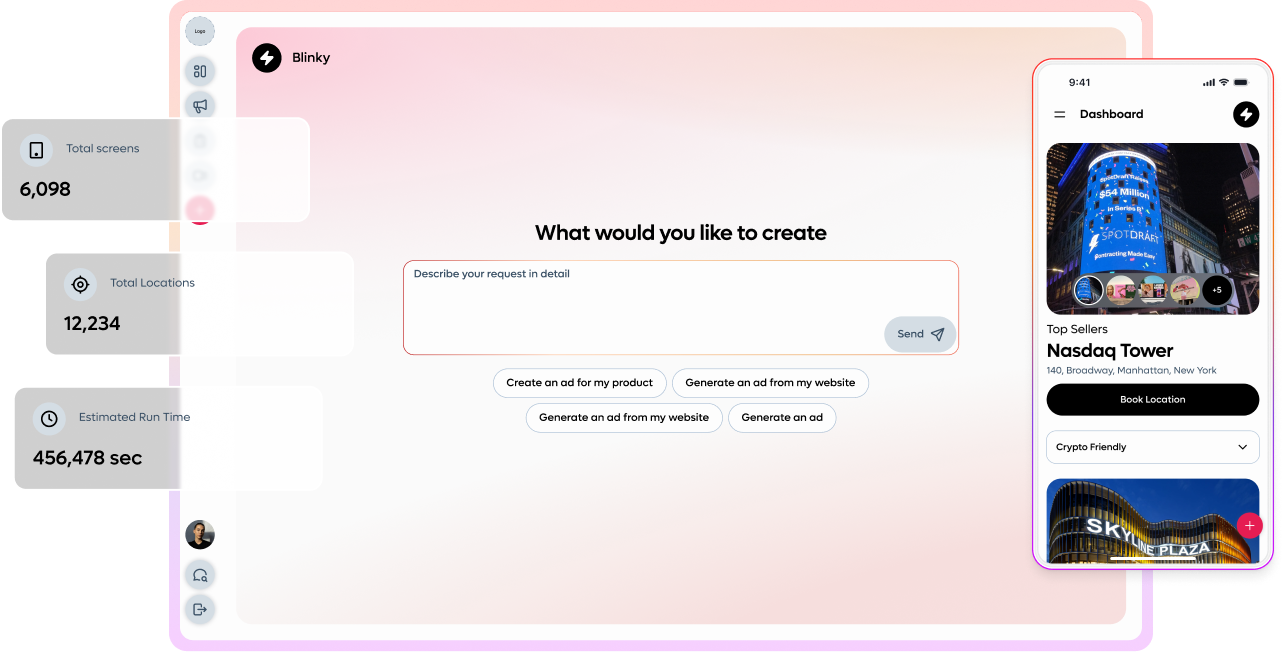
Be in Control
Select the right screen, plus hours and spacing
Direct to blindspot
Write the plan, straight into blind spot
Automatic Replan
Replan Automatically as conditions and availability changes

Stay in Control to

Approve

Edit

Launch

Platform Superpowers

Control the real world, down to the hour
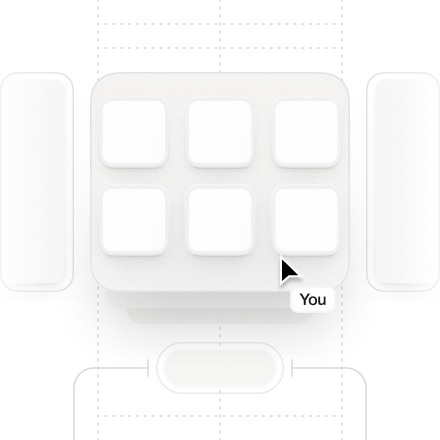
Pick any billboards

No gatekeepers. if it’s lit, its yours

Buy only the hours you want

Don’t pay for 3 a.m raccoon impressions – unless that’s your audience.

Creative by location

Times Square gets one look, Kansas another, customise by city, neigbourhood or screen.

Real-time contextual swaps

Weather, traffic, events – if it changes, your creative can too

Transparent reporting

No gatekeepers. if it’s lit, its yours

Fast approval

AIpre-checks your creative, humans sanity-check, and you can be live in48 hours.

Budget & Control

You’re in control of your spend, We just make it work harder

Set Campaigns or daily budgets, pause anytime, and pay only for the plays you run — not for time when nobody’s watching


Case Studies

Discover our customer success stories

From small startups to industry leaders, these stories offer valuable insights and inspiration for your own journey to success.
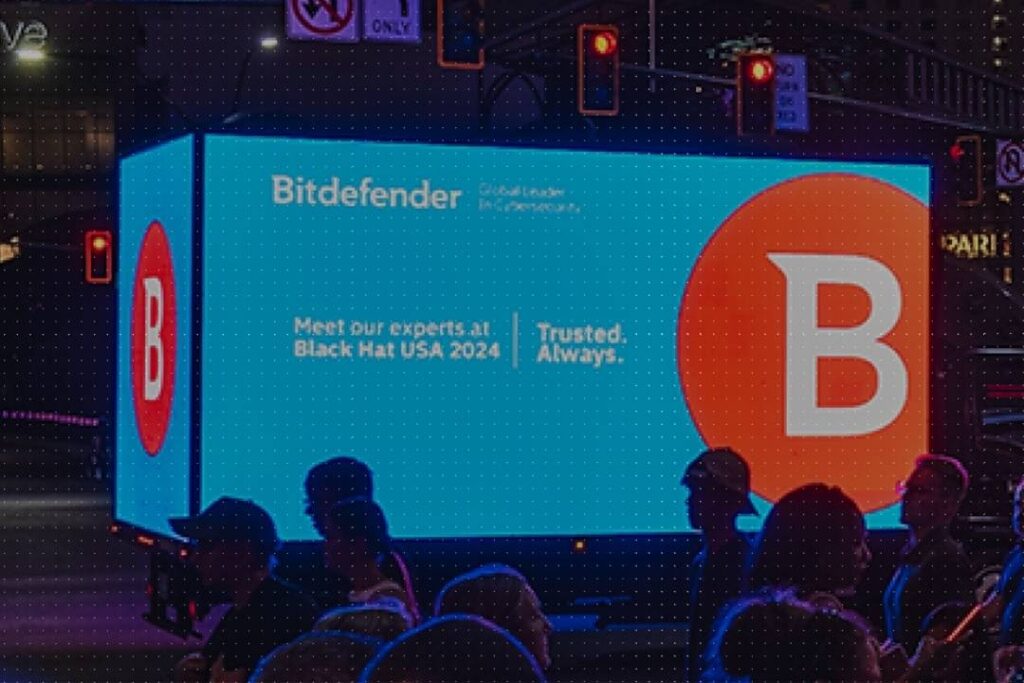

48h

from brief to live deployment

60%

budget optimization through programmatic targeting

270K

ad plays

+53.55%

increase in foot traffic for stores

60%+ lift

for the top performing screens

4 days

from exposure to store visit

+104.46%

Increase in web traffic

2.2 Days

Average time to visit post-exposure

94.99%

match rate across all trackable devices

270%

More likely to purchase if user saw the ad

$5.75

new customer cost of acquisition

57.8%

increase in website traffic

Why Blindspot

The Billboard industry is stuck in 1997, we’re not

Capability
The Trade Desk Adquick ADOMNI
Hourly Booking Flexibility ? Book ad space by the hour for maximum flexibility
Yes
Down to the hour
No No No
Dynamic Creative ? Automatically adapt creative content in real-time
Yes
Native & automatic
Not Supported Limited Limited
Data-Driven ? Use comprehensive data for targeting decisions
Yes
Full Contextual Engine
Audience-Based Basic Targeting Basic Targeting
AI Media Planner ? AI-powered media planning and booking automation
Yes
True AI Planning & Booking
AI Guidance Only
(Not Actionable)
AI Guidance Only
(Not Actionable)
None
Focus ? Platform's primary focus and strength
Yes
Hyper-Efficient Real time Media
Programmatic Audience Inventory Access Marketplace Access
Precision Time + Location Control
Yes
Full Control
Not Granular Limited Limited
Programmatic DOOH Access ? Access to Digital Out-of-Home advertising inventory
Yes
Down to the hour
Yes Yes Yes
Predictive Delivery ? AI-powered prediction of campaign performance
Yes
Predictive & Adaptive
Limited Audience Modelling No No

FAQ

Got questions? We’ve got answers.

Here’s everything you need to know
before getting started.

Still have questions?

Contact us and we’ll help you out.
Blindspot FAQ, 9:41 AM

Still have questions?

Contact us and we’ll help you out.